
Building An Indie App Business #77
Focus Timer Progress & Autumn Optimism

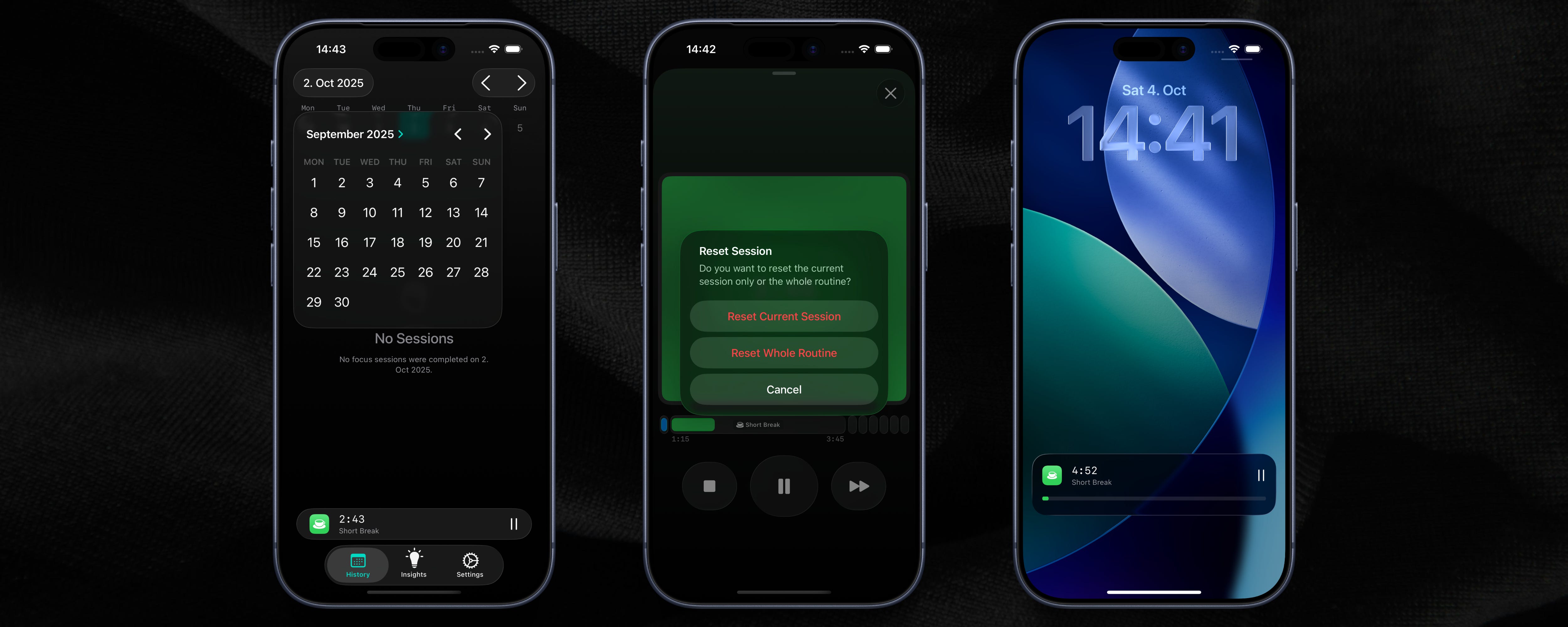
Another week is done and I’m back with my weekly update. September is finally over and I’m really looking forward to the Autumn months, this is usually when my apps do much better. This week I spent most of my time working on my new Pomodoro Focus Timer app and I’m really excited about it. I think it could be something special for my business.
📈 Business Updates
September is finally over, and even though it started a bit disappointing, I’m glad to see it wasn’t the worst month for revenue and downloads this year. It always makes me feel better and more relaxed when my business still does okay, even during the Summer months.
We’re now heading into the Autumn and Winter months, and as you probably know, this is usually the best time for my business. There’s always a lot of excitement around New Year’s, with people wanting to improve themselves and start new habits, so this season is when my apps do the best.
This week I really put a lot of energy into my new app, a Pomodoro Focus Timer for iOS. I feel very motivated to keep working on it because I think it can help my business grow a lot. Every day I am excited to make progress and see how the app is getting better. It also helps that I’m learning a ton because I’m using a new technology I don’t have a lot expertise in.
I used the (super minimal and basic) MVP version of the app every day, and I really enjoyed it. It feels nice to build something that I actually want to use myself, and I hope that when I finally release it, other people will like it as much as I do.
🛠️ Development Corner
This week I spent a lot of time working on my new Focus Timer app, and I have to say, I’m really starting to enjoy using SwiftUI and native iOS development. I never thought I would say this, but the more I use SwiftData and the built-in UI components, the more I like them. It’s just so much easier to make a nice-looking app now, especially with iOS 26. Right now, I don’t think I want to go back to anything else. But let’s wait a couple of months until technology-fatigue hits me.
Here is everything I implemented this week:
I finished the Dynamic Island and Lock Screen Widgets for active sessions this week. The APIs for these are really limited, and it’s very difficult to update them in the background unless you build a complicated backend for push notifications. But I think I found a good compromise, and now the widgets are working well enough.
I added a way for users to reset a “routine” if they want to start over. I’m still not 100% sure if the user experience is perfect, but for me it feels like the right thing to do. I think features like this are really important, because it’s very annoying if you get stuck in a part of the app just because you made a mistake or changed your mind.
I also added notifications that let you know when a session is finished. This is useful because sometimes you are so deep in your work that you don’t see the time go by, or you are enjoying your break and then you forget to start working again.
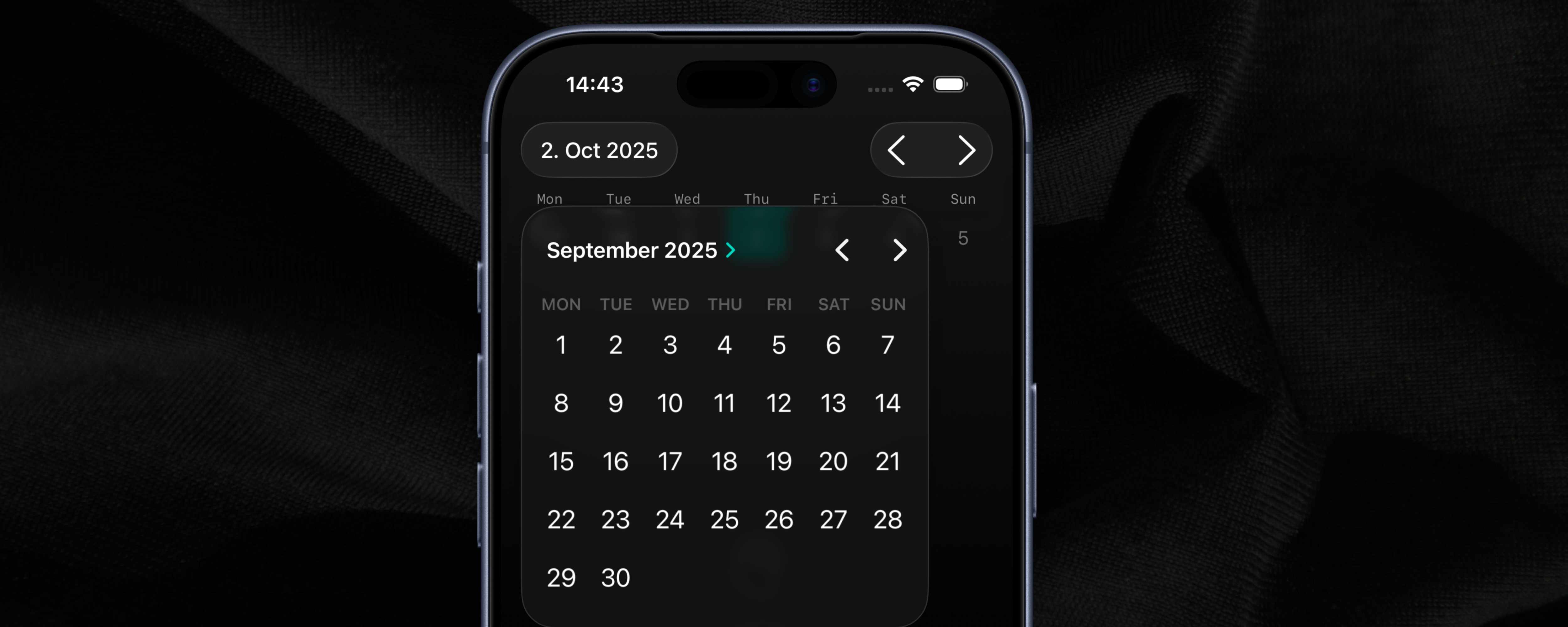
I built an infinite-scrolling calendar view for my Focus Timer side project, which was inspired by how the calendar works in Apple’s Fitness app. It was a pretty challenging task, but I enjoyed working on it and learned a lot. I also added a calendar date picker to the toolbar in the history view, which makes it easier to jump to any date you want.
💡 Indie Insights
When I’m working on my iOS apps, I always look at other great apps for inspiration. There are three apps that I think every native iOS developer should check out: Gentler Streak, NowPlaying, and Apple’s own apps, especially Apple Music and the Fitness app. These apps show how to do things right when it comes to design and user experience.
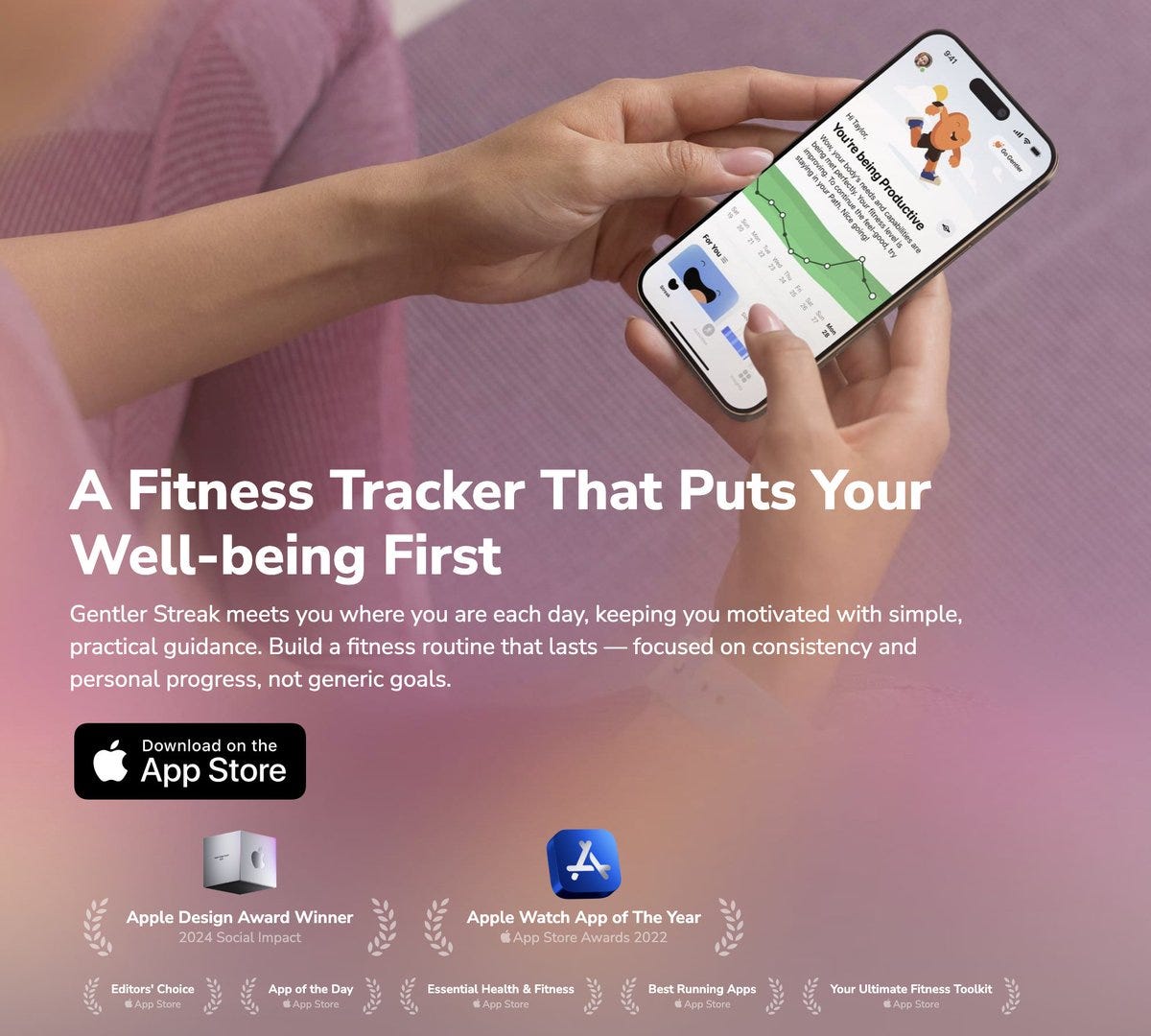
Gentler Streak has this really clean and simple interface that makes complex health data easy to understand. The way they organize information and use colors is just perfect. NowPlaying is another great example, it’s a music app that feels so natural to use, even though it has lots of features. And of course, Apple’s own apps like Apple Music show the gold standard for how iOS apps should look and feel.
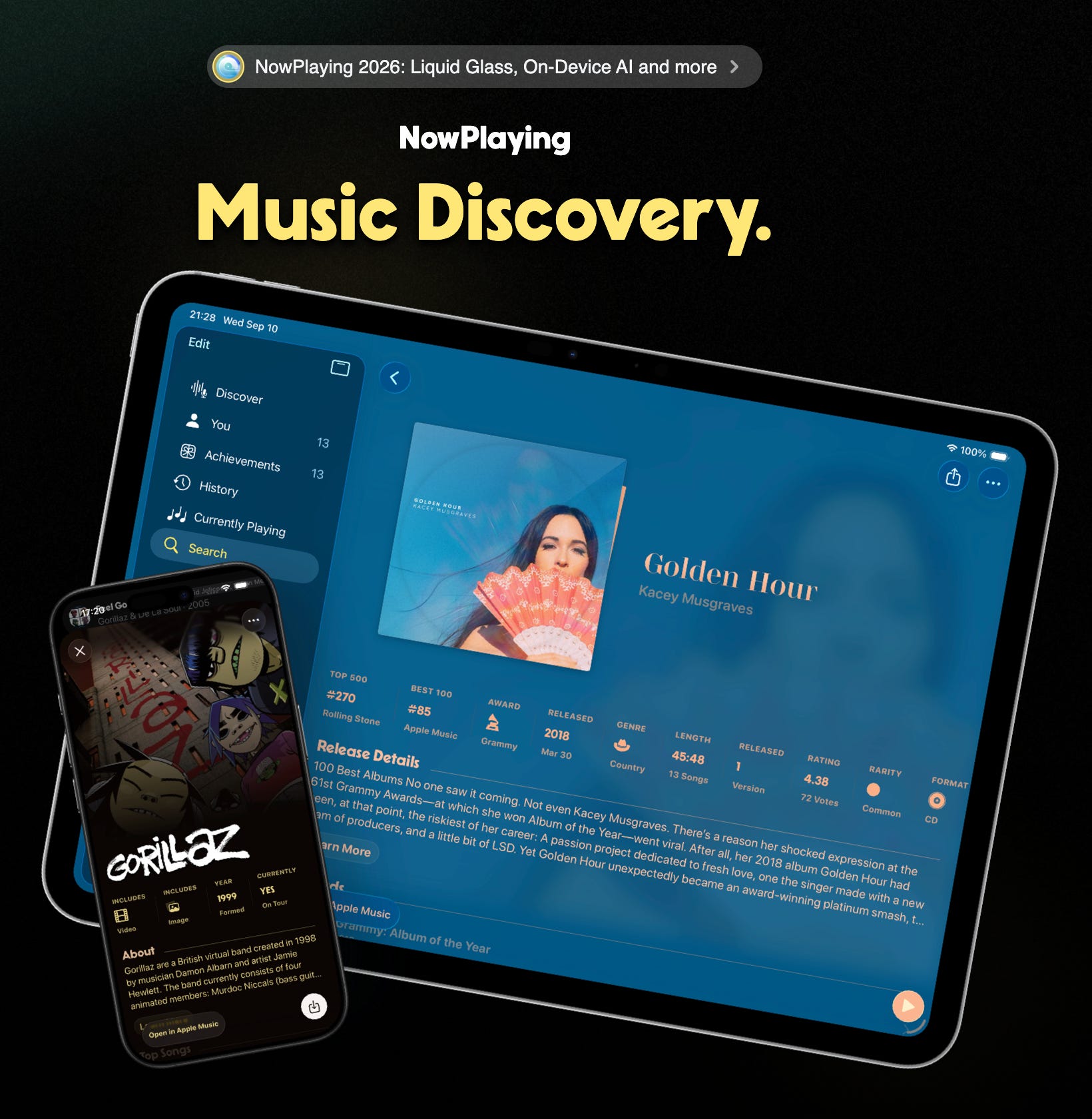
Having these amazing apps as inspiration is really helpful when I’m stuck on a design problem. Instead of trying to figure everything out from scratch, I can look at how these apps solved similar challenges. It saves me a lot of time and helps me avoid common mistakes that many developers make.
This approach helps me find good solutions for both common and not-so-common UX problems. When users open my app, they already know how to use it because it follows the same patterns they’ve seen in other great apps. It’s like having a cheat sheet for good design, and it makes my apps feel more professional and polished.
Interesting
Keep sharing your journey
Very insightful! Can you share technique to create beautiful flip effect number timer?